

• Web Development
  • Mobile Apps
  • Branding
  • SEO
  • UI/UX
  • Consulting
  • Policies
  • Support
  • About Us
  • Our Work
Web Development
  • Overview
  • E-commerce Shop
  • Education LMS
  • Freelance Platform
  • Job Board
  • Healthcare Platforms
  • Bookings & Rentals
  • Cryptocurrencies
  • Logistics & Shipping

Professional email infrastructure that builds credibility with every message you send

Business Email Configuration sets up professional email addresses on your own domain so every communication reinforces your brand instead of undermining it. No more sending proposals from a free email account. No more inconsistent signatures across your team. Just secure, professional, brand-aligned email that makes your business look as serious as it is.

The Problem

Your Email Address Is the First Thing Clients See. It Should Not Be the Reason They Doubt You.

You send a proposal to a potential client. They open your email. Before they read a single word, they see your address. If it ends in @gmail.com or @yahoo.com, you have already told them you are not established enough to own your domain. If your team uses different formats and inconsistent signatures, you are telling clients your organization lacks structure. Professional email on your domain is not a technical detail. It is a credibility signal that communicates permanence, professionalism, and trust before anyone reads the message.

Pain Points

01

You Are Still Using Free Email for Business Communication

Every proposal, invoice, and client conversation comes from an address that anyone can create in five minutes. This is the single fastest way to signal that your business is not yet established, and it costs you credibility with every message.

02

Your Team's Email Signatures Are Inconsistent or Unprofessional

Different staff use different formats. Some have no signature at all. Some include unprofessional images or broken links. Every inconsistency is a small erosion of the brand you have invested in building.

03

You Do Not Know How to Set It Up Correctly

Domain email requires proper DNS configuration, SPF and DKIM records for deliverability, and secure setup across devices. Get it wrong and your emails land in spam folders or fail to send entirely. The technical complexity has kept you from fixing a problem you know exists.

04

Your Email Setup Cannot Scale With Your Team

Adding new staff means manually configuring accounts on each device. Shared inboxes, aliases, and group emails are not set up. Your email infrastructure was fine for a solo founder but cannot support a growing organization.

Our Solution

Professional Email That Makes Every Communication Reinforce Your Brand

Business Email Configuration sets up your entire organization with professional email addresses on your domain. Proper DNS configuration ensures your messages reach inboxes, not spam folders. Consistent signatures turn every email into a brand touchpoint. And the setup is designed to scale as your team grows.

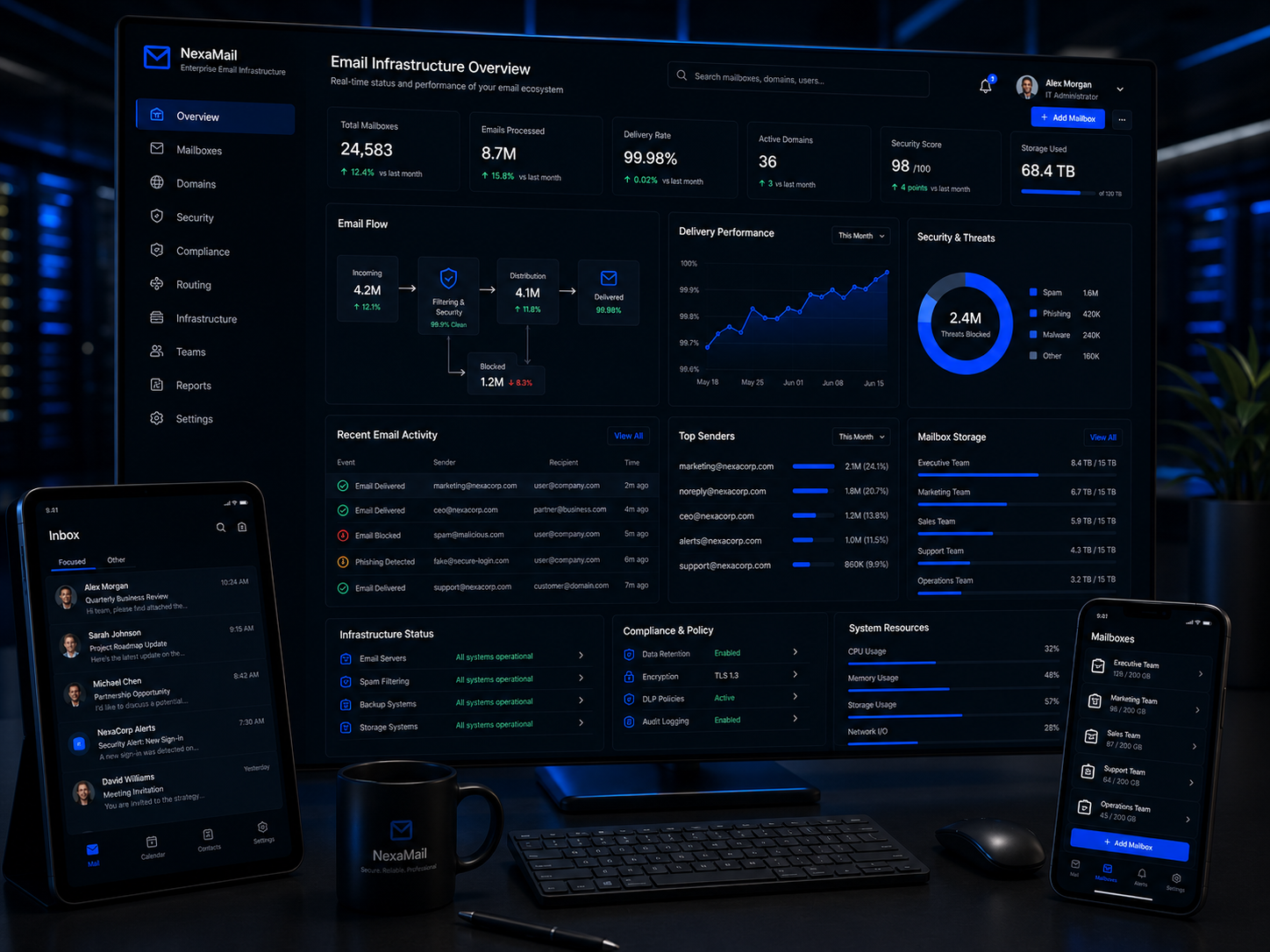
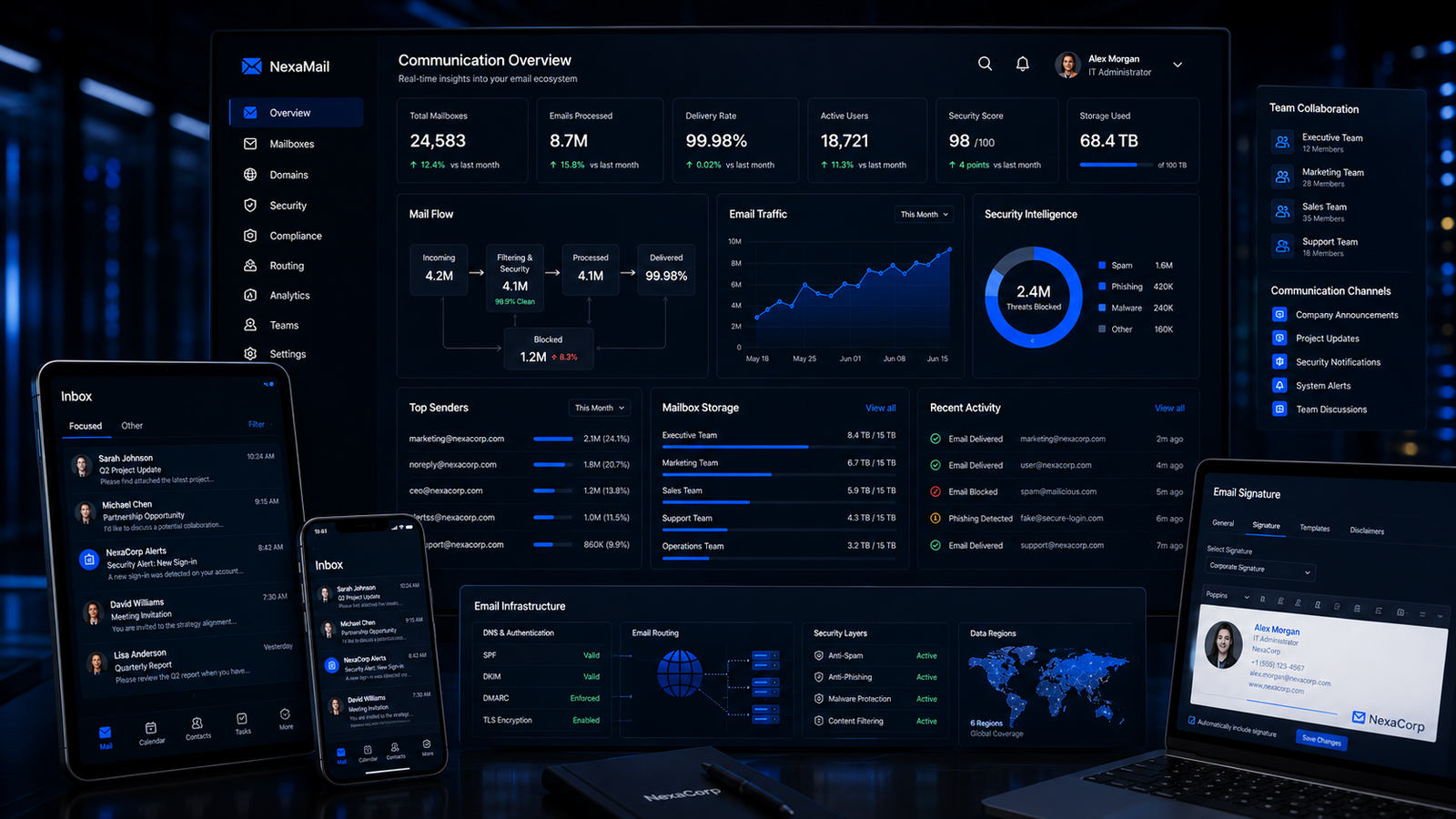
Before business email configuration showing unprofessional free email accounts
Before

Unprofessional, Inconsistent, and Undermining Your Brand

  • Free email accounts for business communication
  • Inconsistent or missing email signatures
  • Emails landing in spam folders
  • No structure for team email management
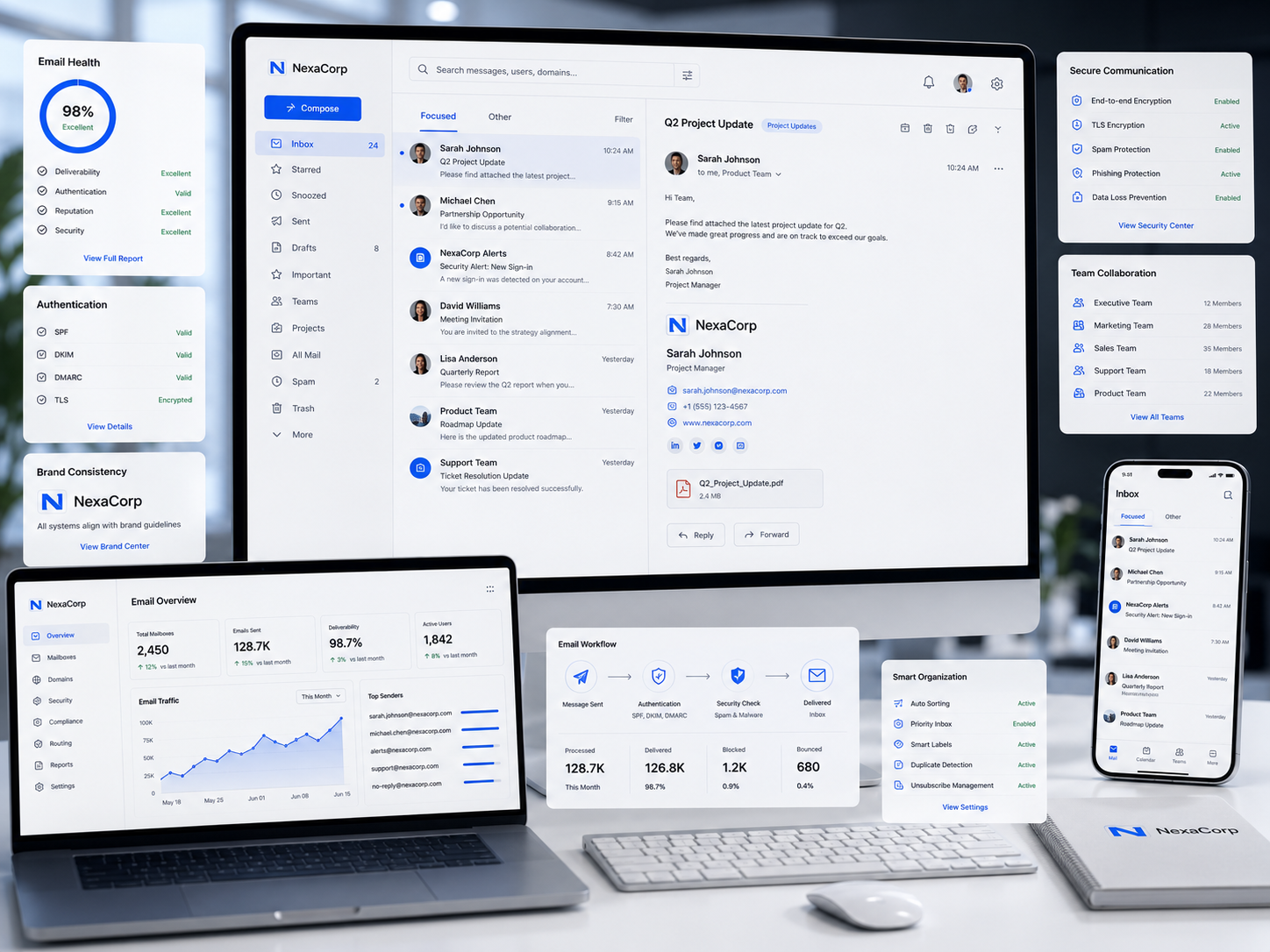
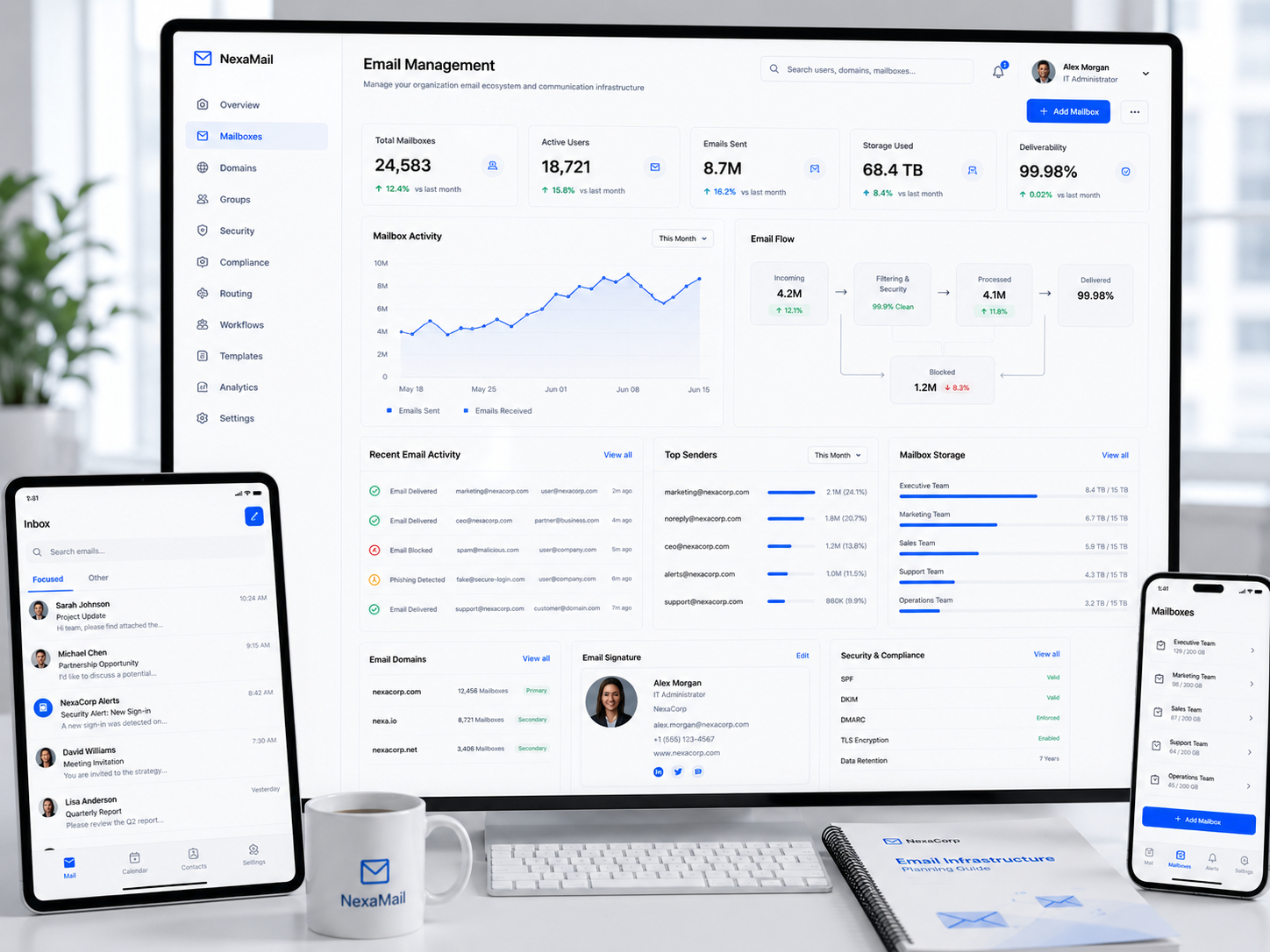
After business email configuration showing professional domain-based email system
After

Professional, Consistent, and Building Credibility With Every Message

  • Domain-based email for the entire organization
  • Professional consistent signatures on all devices
  • Properly configured for maximum deliverability
  • Scalable setup ready for team growth

Instant Credibility

Every email from your domain signals that your business is established and professional.

Brand Consistency

Every team member communicates with the same professional signature and email format.

Reliable Delivery

Properly configured DNS records ensure your messages reach inboxes, not spam folders.

Team Scalability

Adding new staff, shared inboxes, and email groups is fast and structured as you grow.

Deliverables

What You Actually Get

Complete professional email configuration for your entire organization with proper deliverability setup, consistent signatures, and scalable management.

01

Domain Email Account Setup

Professional email addresses for your entire team on your own business domain.

02

DNS & Deliverability Configuration

Technical setup that ensures your emails are delivered and trusted, not marked as spam.

03

Professional Email Signature System

Consistent branded signatures that turn every email into a brand reinforcement.

04

Multi-Device Configuration

Your email working seamlessly on computers, phones, and tablets with consistent settings.

05

Shared Inbox & Alias Setup

Department emails and forwarding rules so the right messages reach the right people.

06

Security & Access Configuration

Your business email protected with proper authentication and access controls.

07

Email Migration Support

Your existing emails and contacts moved to your new professional accounts without data loss.

08

Email Setup Documentation

Everything documented so your team can manage email accounts as you continue to grow.

Our Approach

Business Email Configuration Process

A secure, deliverability-first methodology that sets up your professional email infrastructure correctly from day one.

Phase 1, Requirements & Domain Review

1 / 6

We assess your current email situation, domain configuration, and team requirements to plan the complete email infrastructure.

Team Account Planning

Mapping every team member, department, and function that needs an email address with appropriate naming conventions.

Domain Verification

Checking domain ownership, DNS access, and current email configuration to identify any existing issues or conflicts.

Shared Mailbox & Alias Definition

Planning department addresses like info@ and support@, email groups, and forwarding rules for efficient team communication.

Platform Selection Guidance

Recommending the right email platform based on team size, budget, collaboration needs, and existing tools.

Key Milestones

  • Team account plan documented
  • Domain verified and access confirmed
  • Shared mailbox requirements defined
  • Email platform selected

Phase 2, DNS & Authentication Setup

2 / 6

We configure the DNS records and authentication protocols that ensure your emails are delivered and trusted by recipient mail servers.

MX Record Configuration

Setting up Mail Exchange records to route your domain's email traffic to the correct mail servers reliably.

SPF Record Setup

Configuring Sender Policy Framework records to specify which mail servers are authorized to send email from your domain.

DKIM Authentication

Implementing DomainKeys Identified Mail to cryptographically sign your outgoing messages and verify their authenticity.

DMARC Policy Implementation

Setting up Domain-based Message Authentication to prevent email spoofing and protect your domain reputation.

Key Milestones

  • MX records configured
  • SPF records published
  • DKIM authentication active
  • DMARC policy implemented

Phase 3, Account Creation & Configuration

3 / 6

We create and configure every email account, shared mailbox, and alias according to the plan established during requirements.

Individual Account Creation

Setting up professional email addresses for every team member with appropriate storage and access settings.

Shared Mailbox Setup

Configuring department mailboxes and distribution groups with appropriate access permissions for team collaboration.

Alias & Forwarding Rules

Setting up email aliases and forwarding rules so messages sent to alternate addresses reach the right people.

Multi-Device Sync Configuration

Configuring accounts for access across desktop clients, mobile devices, and web browsers with consistent settings.

Key Milestones

  • All individual accounts created
  • Shared mailboxes configured
  • Aliases and forwarding active
  • Multi-device access working

Phase 4, Signature Design & Deployment

4 / 6

We design professional email signatures aligned with your brand and deploy them consistently across every team member and device.

Signature Design

Creating a professional branded email signature template with company logo, contact details, social links, and legal requirements.

Individual Signature Population

Populating each team member's signature with their specific name, title, phone, and any role-specific details.

Cross-Client Deployment

Installing signatures across Outlook, Gmail, Apple Mail, and mobile email clients so consistency is maintained everywhere.

Signature Usage Guidelines

Documenting when and how to use different signature variations for new emails, replies, and internal communications.

Key Milestones

  • Signature design approved
  • Individual signatures populated
  • Signatures deployed across all clients
  • Usage guidelines delivered

Phase 5, Security & Migration

5 / 6

We secure every account with proper authentication and migrate existing email data so nothing is lost in the transition.

Two-Factor Authentication Setup

Enabling and configuring 2FA for every account to protect against unauthorized access and credential theft.

App Password Configuration

Setting up application-specific passwords where needed for compatibility with email clients and third-party tools.

Email Data Migration

Transferring existing emails, contacts, and calendar data from previous accounts to the new professional accounts.

Recovery & Backup Configuration

Setting up account recovery options and backup procedures to prevent data loss and ensure business continuity.

Key Milestones

  • 2FA enabled on all accounts
  • App passwords configured
  • Email data migrated
  • Recovery options set up

Phase 6, Testing & Team Handover

6 / 6

We test every account, verify deliverability, and hand over the complete system with documentation so your team can operate confidently.

Send & Receive Testing

Verifying every account can send and receive email correctly across all configured devices and clients.

Deliverability Verification

Testing email delivery to major providers like Gmail, Outlook, and Yahoo to confirm messages are reaching inboxes, not spam folders.

Team Walkthrough Session

Live session with your team covering account access, signature management, shared mailbox usage, and basic troubleshooting.

Complete Documentation Handover

Delivering the full email configuration documentation including account details, DNS records, and procedures for adding new team members.

Key Milestones

  • All accounts tested and working
  • Deliverability confirmed
  • Team walkthrough completed
  • Documentation handed over

Featured Projects

Workdone: A unified brand and digital foundation for a multi-subsidiary Pan-African financial group building institutional credibility across emerging African markets.

Workdone: A complete brand and business foundation preparing a cleaning startup for market entry and investment readiness.

Frequently Asked Questions

No questions found

Try adjusting your search term.

Ready to Upgrade Your Email?

Every Email You Send Either Builds Credibility or Erodes It. Make It Build.

Stop sending business proposals from a free email address. Get professional email on your domain with proper deliverability, consistent branded signatures, and a setup that scales with your team. Make every communication reinforce the professionalism of your business.

Professional business email configuration with branded signatures preview
Logo