• Web Development
  • Mobile Apps
  • Branding
  • SEO
  • UI/UX
  • Consulting
  • Policies
  • Support
  • About Us
  • Our Work
Web Development
  • Overview
  • E-commerce Shop
  • Education LMS
  • Freelance Platform
  • Job Board
  • Healthcare Platforms
  • Bookings & Rentals
  • Cryptocurrencies
  • Logistics & Shipping

Cloud-based collaboration infrastructure that keeps your team productive from anywhere

Digital Workspace sets up your organization’s cloud collaboration environment so your team can communicate, share files, manage projects, and stay aligned whether they are in the same office or spread across continents. Google Workspace or Microsoft 365 configured properly, shared drives organized logically, and collaboration tools integrated so work flows instead of getting stuck.

The Problem

Your Team Has the Talent. They Just Do Not Have the System to Work Together Effectively.

Your team communicates in scattered channels. Documents live on individual laptops. Version control is "Final_Final_v3.docx". When someone is out sick or leaves, their knowledge leaves with them. You are not facing a talent problem. You are facing a systems problem. A properly configured digital workspace centralizes your files, communication, and collaboration so your team spends time on work that matters instead of searching for information and recreating lost documents.

Pain Points

01

Files Are Scattered Across Personal Devices and Accounts

Proposals live on one person's laptop. Templates are on another's desktop. When someone is unavailable, their work is inaccessible. Your business knowledge is distributed across personal silos instead of centralized where everyone can use it.

02

Collaboration Happens in Unstructured Ways

Feedback arrives through WhatsApp messages, personal emails, and verbal conversations with no record. Version history is non-existent. Nobody knows which document is current, and work gets duplicated because tracking is impossible.

03

Your Tools Are Not Connected to Each Other

Email does not integrate with your calendar. Your calendar does not connect to your project management. Documents are not linked to the conversations about them. Your team spends more time switching between tools and searching for context than actually working.

04

Onboarding New Team Members Is Chaotic

Every new hire requires ad-hoc setup across multiple platforms. Access permissions are inconsistent. Nobody knows which tools they should be using for what. New team members take weeks to become productive because there is no structured digital environment waiting for them.

Our Solution

A Complete Digital Workspace Where Your Team Finds Everything They Need and Nothing Gets Lost

Digital Workspace configures your organization's cloud collaboration environment with proper structure, access controls, and integrated workflows. Your files are centralized in organized shared drives. Communication and meetings run through a unified platform. Templates and brand assets are accessible to everyone. New hires walk into a structured digital environment ready for productive work on day one.

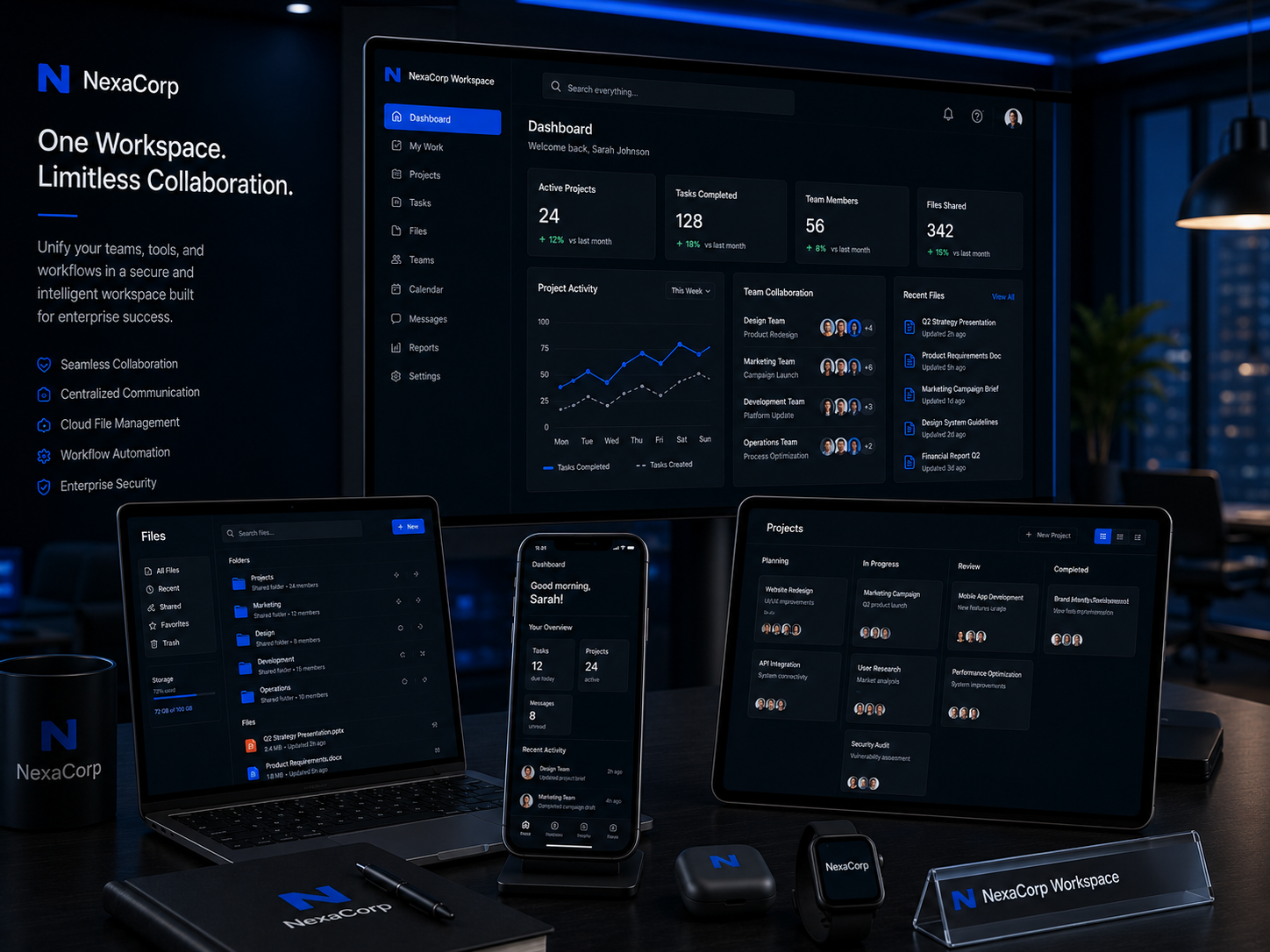
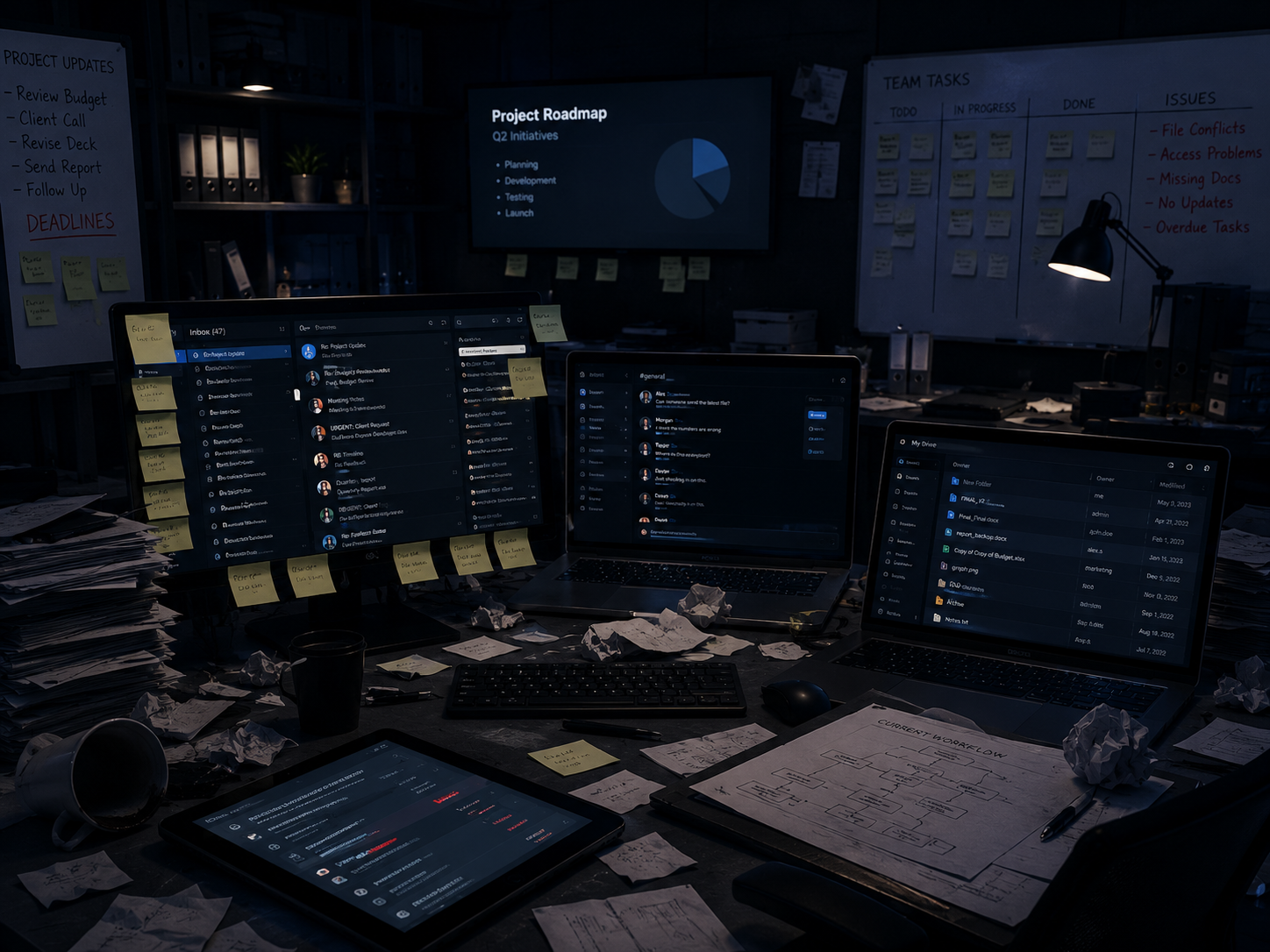
Before digital workspace showing scattered files and disconnected tools
Before

Scattered, Disconnected, and Wasting Your Team's Time

  • Files spread across personal devices and accounts
  • Collaboration happening through unstructured channels
  • Tools disconnected from each other
  • New hires taking weeks to become productive
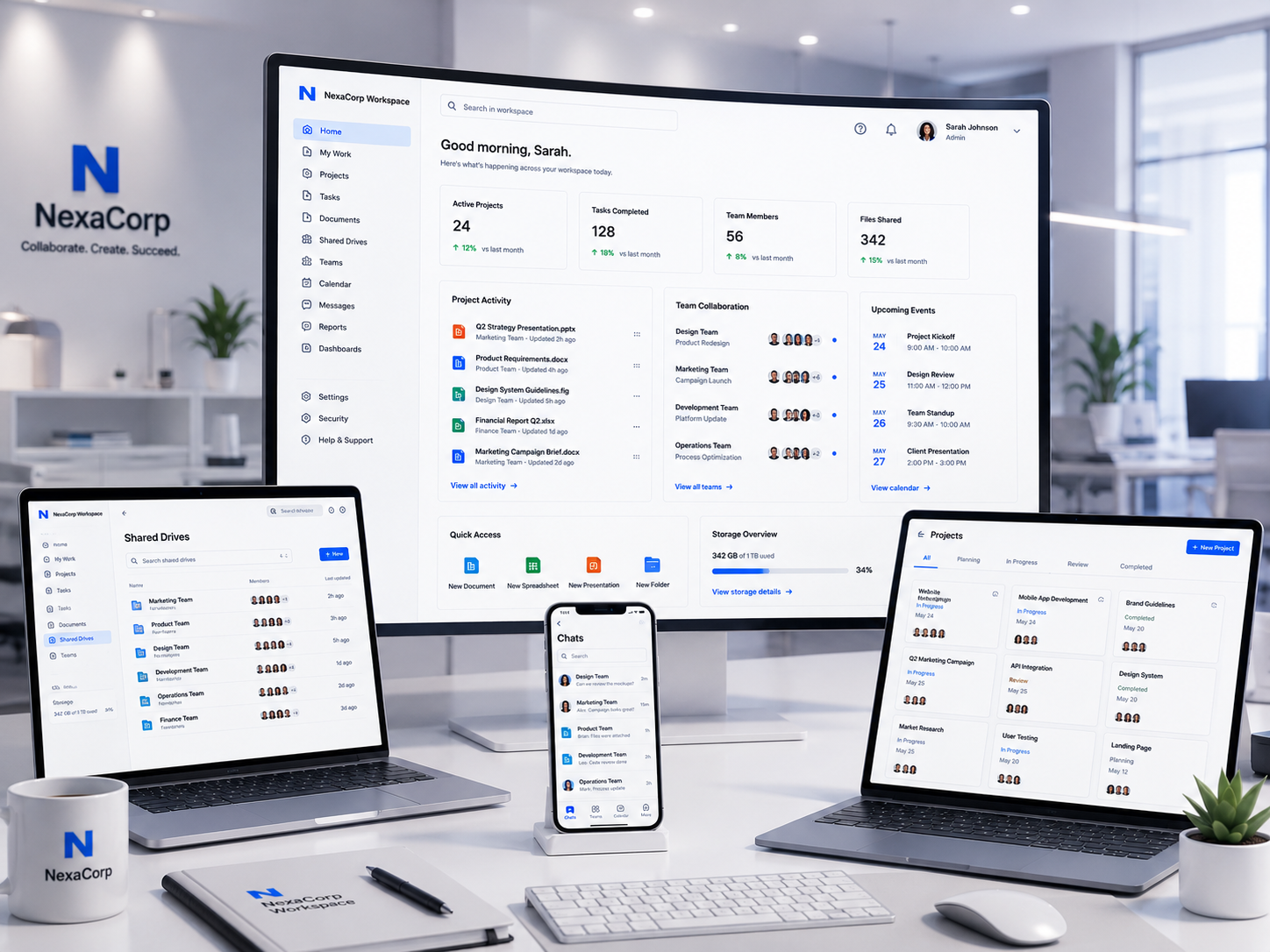
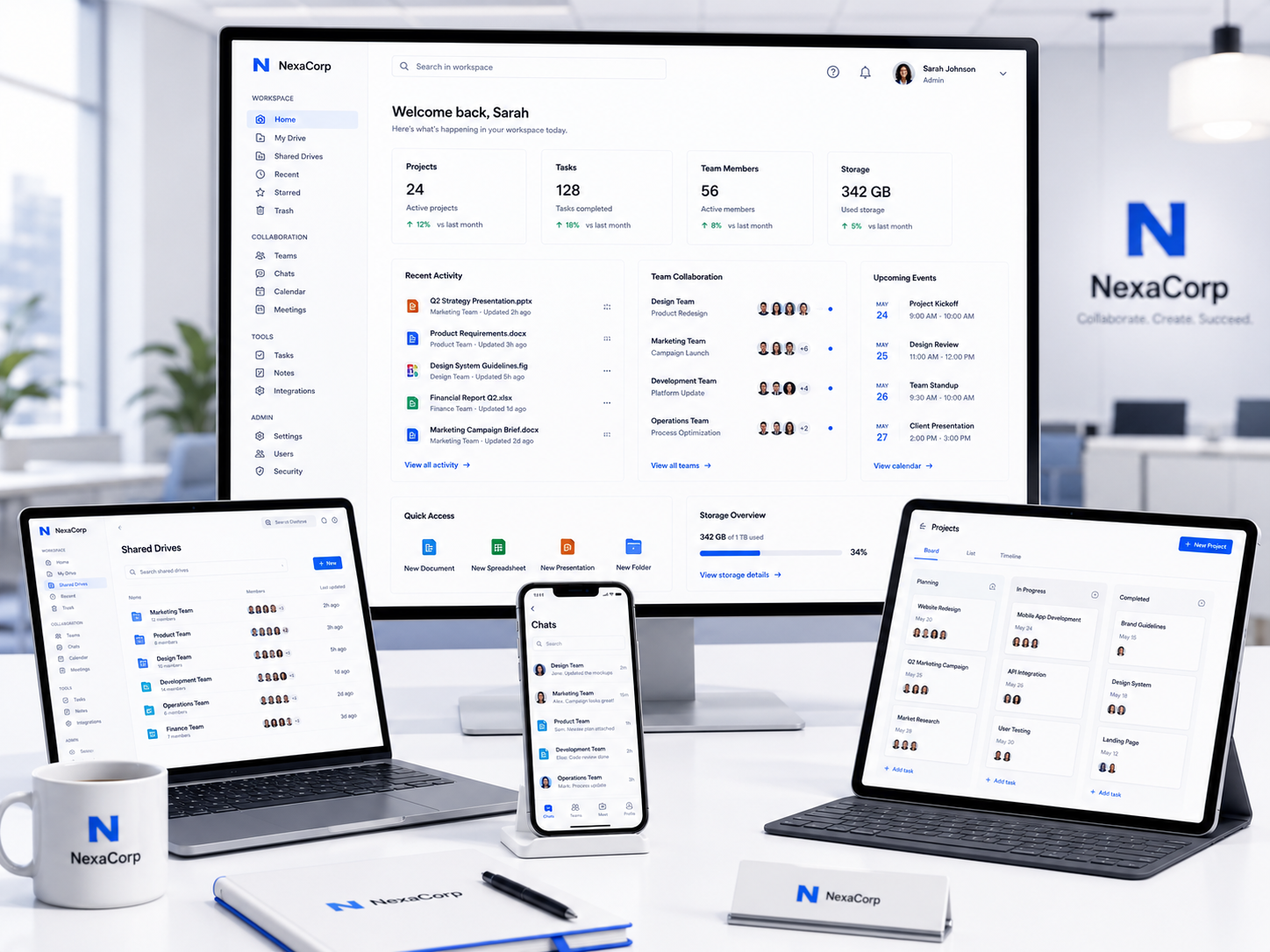
After digital workspace showing organized cloud collaboration environment
After

Organized, Connected, and Making Your Team Faster Every Day

  • Centralized files accessible from anywhere
  • Structured collaboration with full version history
  • Integrated tools that work together seamlessly
  • New hires productive on day one

Centralized Knowledge

Every file, template, and asset accessible to the people who need them, wherever they are working from.

Seamless Collaboration

Real-time document editing, structured feedback, and complete version history across the entire organization.

Integrated Workflows

Email, calendar, file storage, and communication tools connected so work moves without friction.

Instant Onboarding

Every new team member walks into a fully configured digital environment with the right tools and access from day one.

Deliverables

What You Actually Get

A fully configured cloud collaboration environment with organized file systems, integrated tools, and clear usage guidelines your team can adopt immediately.

01

Cloud Workspace Platform Setup

Your complete collaboration platform configured and ready for your entire team.

02

Shared Drive & Folder Architecture

A logical file organization system so everyone knows where everything lives.

03

Team Account & Access Configuration

Every team member set up with the right tools and the right level of access.

04

Brand Asset Library Setup

All your brand materials in one place so nobody recreates what already exists.

05

Communication & Calendar Integration

Email, meetings, and messaging integrated so communication flows without friction.

06

Template Deployment

Ready-to-use branded templates so your team creates consistent documents every time.

07

Security & Backup Configuration

Your business data protected with proper access controls and recovery procedures.

08

Workspace Usage Documentation

Clear guides so your team knows how to use every tool and where to find everything.

Our Approach

Digital Workspace Process

A structure-first methodology that builds your digital workspace around how your team actually works, not how the tools come out of the box.

Phase 1, Team Workflow Analysis

1 / 6

We understand how your team works today, where the friction points are, and what the ideal digital workspace needs to support.

Team Structure & Role Mapping

Documenting your organizational structure, departments, and the collaboration needs of each role and team.

Current Tool & Workflow Audit

Reviewing existing tools, file storage methods, communication channels, and identifying inefficiencies in current workflows.

File & Asset Inventory

Cataloguing the types of documents, templates, and assets your team creates and uses across the organization.

Platform Selection Confirmation

Recommending Google Workspace or Microsoft 365 based on your team size, existing tools, budget, and collaboration requirements.

Key Milestones

  • Team structure documented
  • Current workflow audit completed
  • File and asset catalog created
  • Platform selection confirmed

Phase 2, Platform Configuration

2 / 6

We configure the core collaboration platform with proper domain integration, admin settings, and foundational service activation.

Admin Console Configuration

Setting up the administrative controls, billing, and organizational settings for your chosen platform.

Domain Integration & Verification

Connecting your business domain to the platform with proper DNS configuration for email, file sharing, and service access.

User Account Provisioning

Creating accounts for every team member with appropriate service access based on their role and department.

Core Service Activation

Activating and configuring email, calendar, file storage, video conferencing, and team communication services.

Key Milestones

  • Admin console configured
  • Domain verified and integrated
  • All user accounts created
  • Core services activated

Phase 3, File System Architecture

3 / 6

We design and build the shared drive structure that becomes your organization's central knowledge repository.

Folder Hierarchy Design

Creating a logical folder structure organized by department, function, project, or client based on your team's workflow needs.

Naming Convention Standards

Establishing clear naming rules for files and folders so everything is findable and consistent across the organization.

Access Permission Configuration

Setting appropriate view, comment, and edit permissions for each shared drive and folder based on team roles and confidentiality requirements.

Existing File Migration

Moving existing documents from personal drives and scattered locations into the new organized shared drive structure.

Key Milestones

  • Folder hierarchy built
  • Naming conventions established
  • Access permissions configured
  • Existing files migrated

Phase 4, Asset & Template Deployment

4 / 6

We populate your workspace with the brand assets and reusable templates that make consistent, efficient work possible for every team member.

Brand Asset Library Organization

Uploading and organizing logos, colors, fonts, brand guidelines, and visual assets in a central accessible location.

Document Template Deployment

Uploading branded templates for proposals, reports, invoices, letters, and meeting agendas with clear access instructions.

Presentation Template Setup

Deploying branded presentation templates in your workspace with slide layouts ready for team use.

Template Usage Guidelines

Documenting when and how to use each template so consistency is maintained across the organization.

Key Milestones

  • Brand assets organized
  • Document templates deployed
  • Presentation templates available
  • Usage guidelines documented

Phase 5, Security & Access Control

5 / 6

We secure your digital workspace with proper authentication, sharing controls, and backup procedures to protect your business information.

Two-Factor Authentication Enforcement

Enabling and enforcing 2FA for all user accounts to protect against unauthorized access.

Sharing & Access Policy Configuration

Setting organization-wide sharing rules to prevent accidental data exposure while enabling appropriate collaboration.

Backup & Recovery Setup

Configuring backup procedures for critical files and data with documented recovery processes for business continuity.

Data Loss Prevention Basics

Setting up basic DLP rules to protect sensitive information from being shared outside the organization inappropriately.

Key Milestones

  • 2FA enforced on all accounts
  • Sharing policies configured
  • Backup procedures established
  • DLP rules implemented

Phase 6, Team Training & Handover

6 / 6

We train your team on the new workspace and deliver complete documentation so adoption is immediate and the system is self-sustaining.

Team Training Session

Live walkthrough of the digital workspace covering file organization, collaboration tools, template usage, and best practices for the entire team.

Admin Training Session

Separate session for workspace administrators covering user management, access control, and platform administration tasks.

Complete Documentation Handover

Delivering the workspace documentation including folder maps, access guides, tool usage instructions, and onboarding procedures for new hires.

Post-Launch Support Window

30 days of support for questions, adjustments, and guidance as your team fully adopts the new digital workspace.

Key Milestones

  • Team training completed
  • Admin training delivered
  • Documentation handed over
  • Support window active

Featured Projects

Workdone: A unified brand and digital foundation for a multi-subsidiary Pan-African financial group building institutional credibility across emerging African markets.

Workdone: A complete brand and business foundation preparing a cleaning startup for market entry and investment readiness.

Frequently Asked Questions

No questions found

Try adjusting your search term.

Ready to Organize Your Team?

Stop Losing Time to Scattered Files and Disconnected Tools

Your team's talent is not the problem. The system they are forced to work in is. Give them a digital workspace where files are findable, collaboration is seamless, and new hires are productive from day one. Turn operational friction into operational flow.

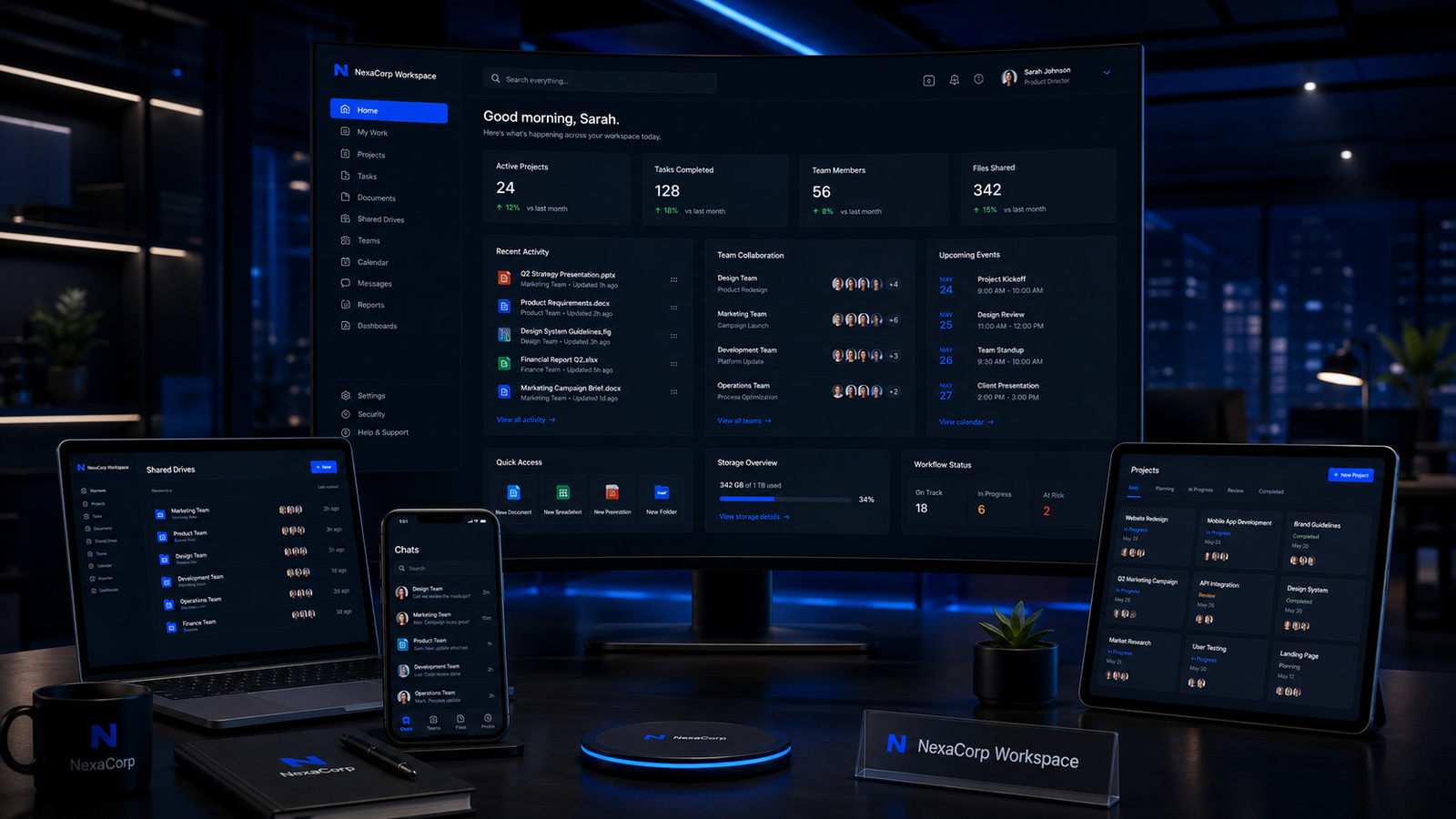
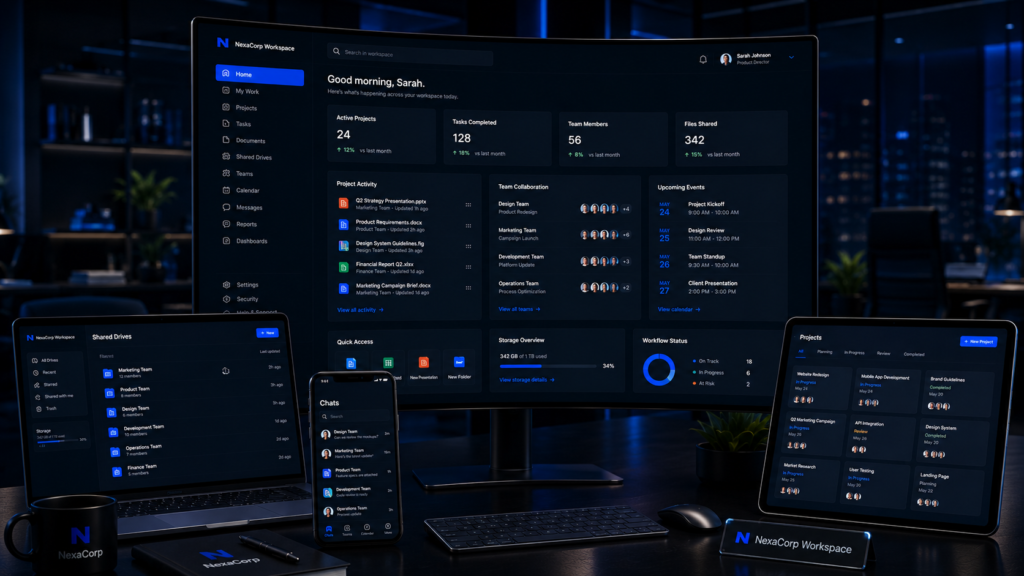
Digital workspace collaboration platform setup with organized file structure preview
Logo