

• Web Development
  • Mobile Apps
  • Branding
  • SEO
  • UI/UX
  • Consulting
  • Policies
  • Support
  • About Us
  • Our Work
Web Development
  • Overview
  • E-commerce Shop
  • Education LMS
  • Freelance Platform
  • Job Board
  • Healthcare Platforms
  • Bookings & Rentals
  • Cryptocurrencies
  • Logistics & Shipping

Data-rich interface design for admin panels, analytics platforms, and operational tools

Dashboard UI/UX designs the operational interfaces that power your business behind the scenes. Admin panels, analytics dashboards, data visualization screens, and internal tools that present complex information clearly, make frequent tasks efficient, and give your team the control they need without the frustration they have come to expect from enterprise software.

The Problem

Your Team Dreads Opening the Tools They Need to Do Their Jobs

Dashboards and admin panels are where critical decisions are made. But most are designed as an afterthought. Data is dumped onto screens without hierarchy. Workflows require too many clicks. Important information is buried under irrelevant metrics. Your team develops workarounds because the official tools are too frustrating. A properly designed dashboard surfaces the right data at the right time, makes common tasks fast and intuitive, and turns operational tools from a source of friction into a competitive advantage.

Pain Points

01

Data Is Displayed Without Hierarchy or Meaning

Every metric gets equal visual weight. Your team cannot distinguish what matters from what is noise. Critical alerts look the same as routine status updates. Users waste mental energy filtering information that should have been designed with priority.

02

Frequent Tasks Require Too Many Steps

Actions your team performs dozens of times a day are buried in menus or spread across multiple screens. What should take one click takes five. Efficiency is sacrificed because nobody designed the workflow from the user's perspective.

03

The Interface Was Designed by Developers for Developers

Your admin panel exposes database structures instead of user tasks. Field names match code instead of concepts your operations team understands. The interface assumes technical knowledge your actual users do not have.

04

You Cannot See What Is Happening Across Your Business

Key metrics are scattered across disconnected screens. Trends are invisible because data is presented as tables instead of visualizations. Your team reacts to problems after they escalate because the dashboard never surfaced the early warning signs.

Our Solution

Operational Interfaces Designed for Clarity, Speed, and Control

Dashboard UI/UX designs the internal tools your team depends on every day. We turn complex data into clear visual hierarchies. We streamline frequent workflows into efficient actions. We design interfaces that match how your team thinks and works, not how your database is structured. The result is an operational tool your team actually wants to open.

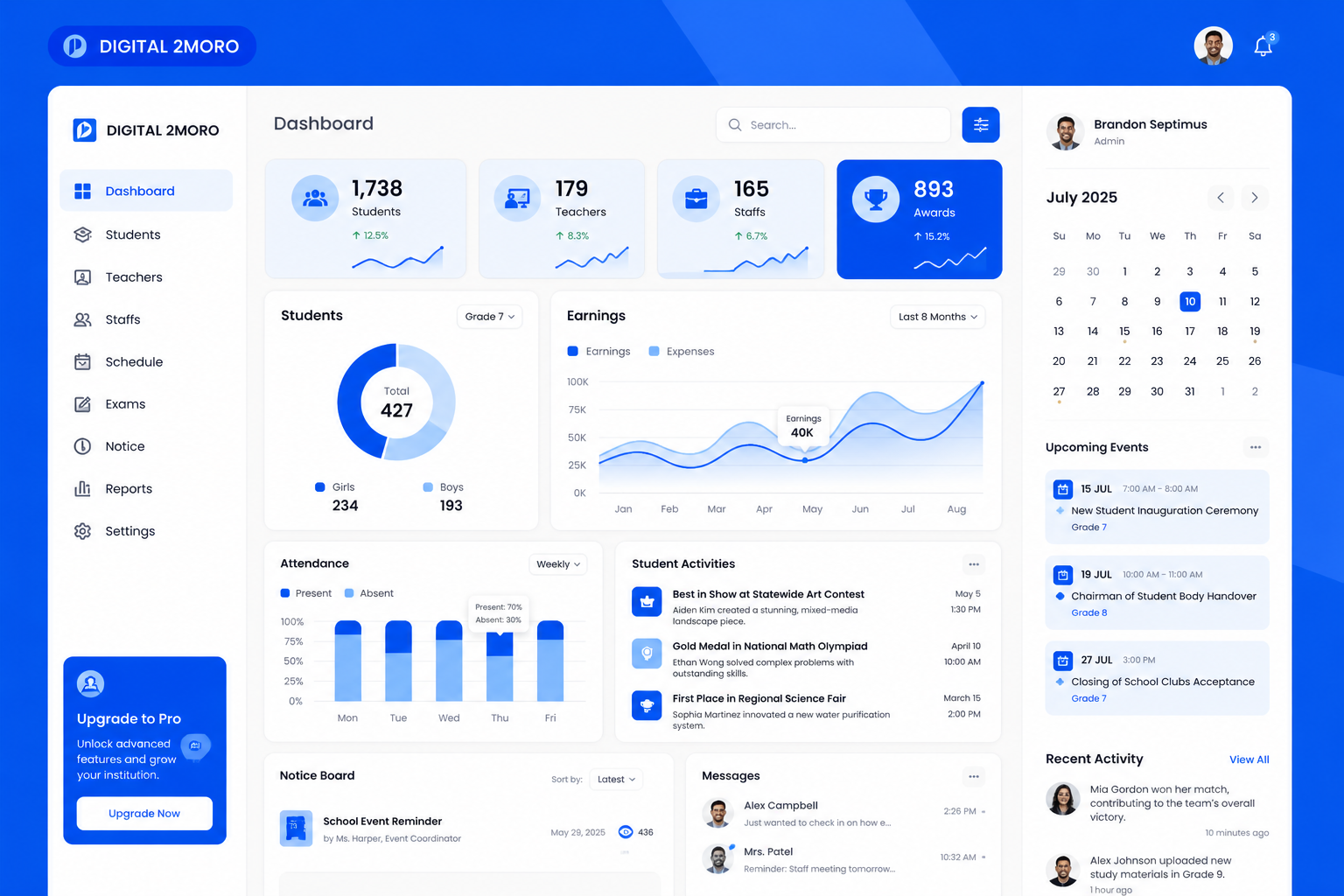
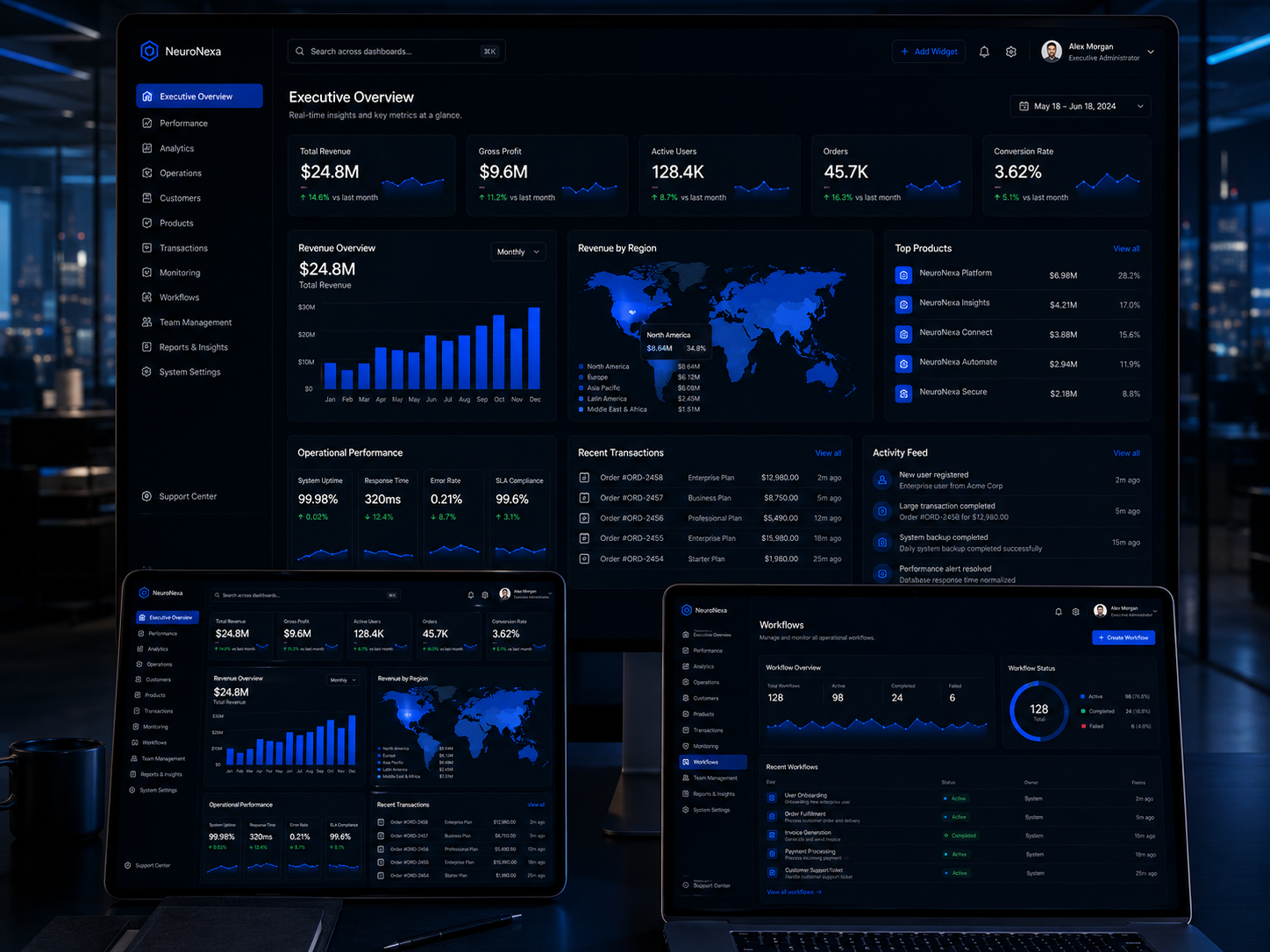
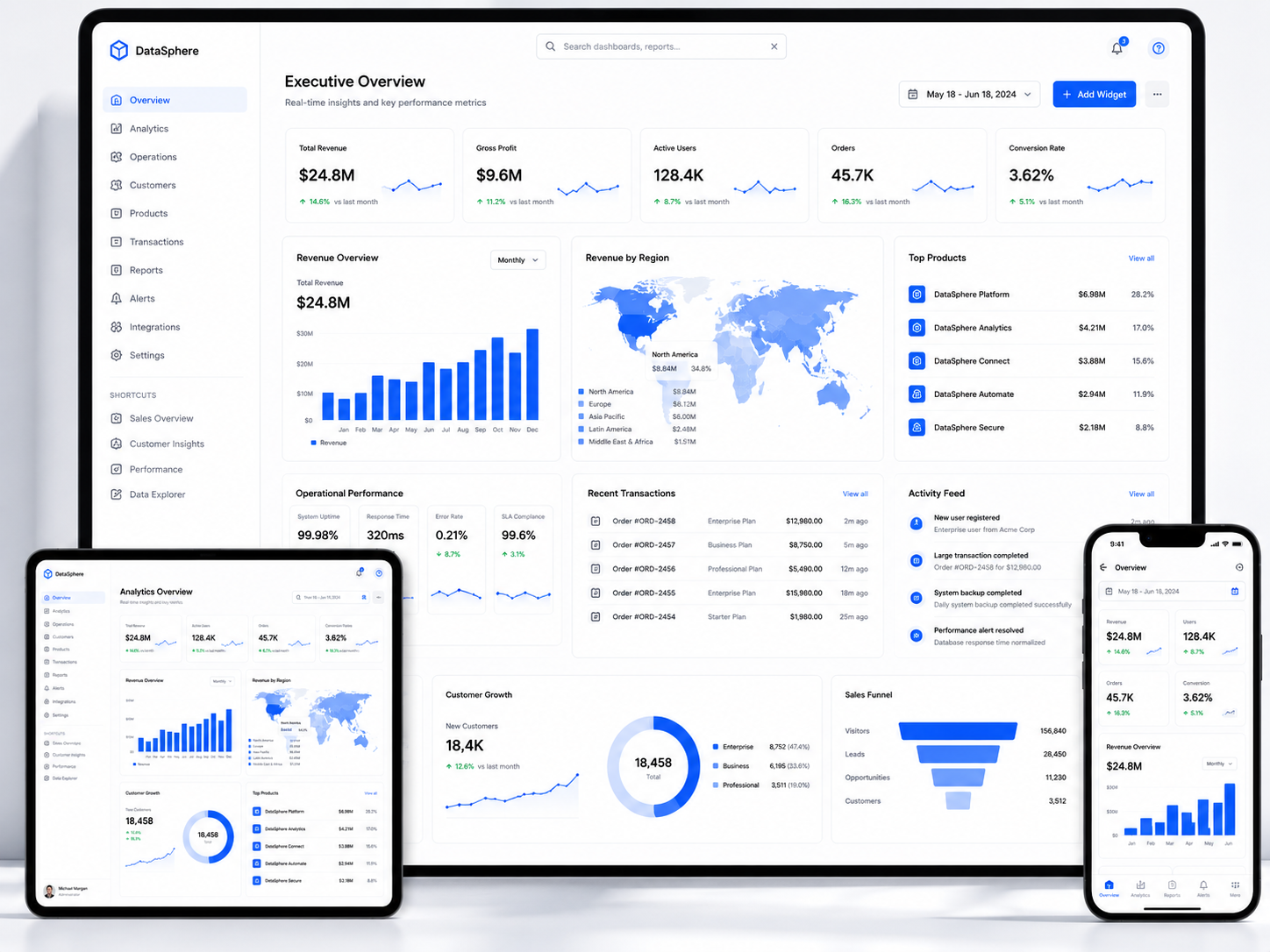
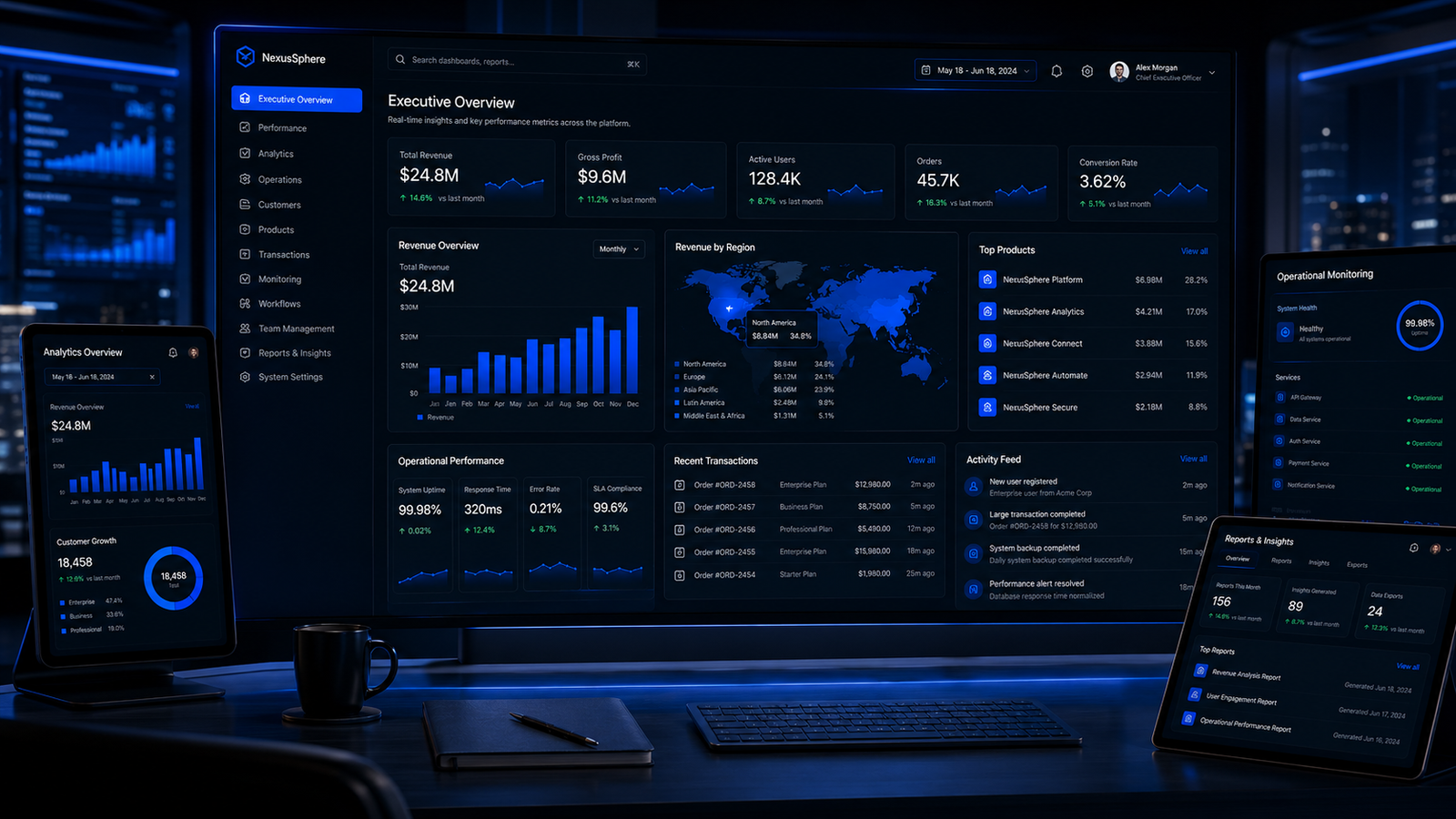
Before dashboard UI/UX showing a cluttered confusing admin interface
Before

Cluttered, Confusing, and Slowing Down Your Operations

  • Data without hierarchy or visual priority
  • Frequent tasks buried behind multiple clicks
  • Interface designed around database structure
  • Key metrics scattered and trends invisible
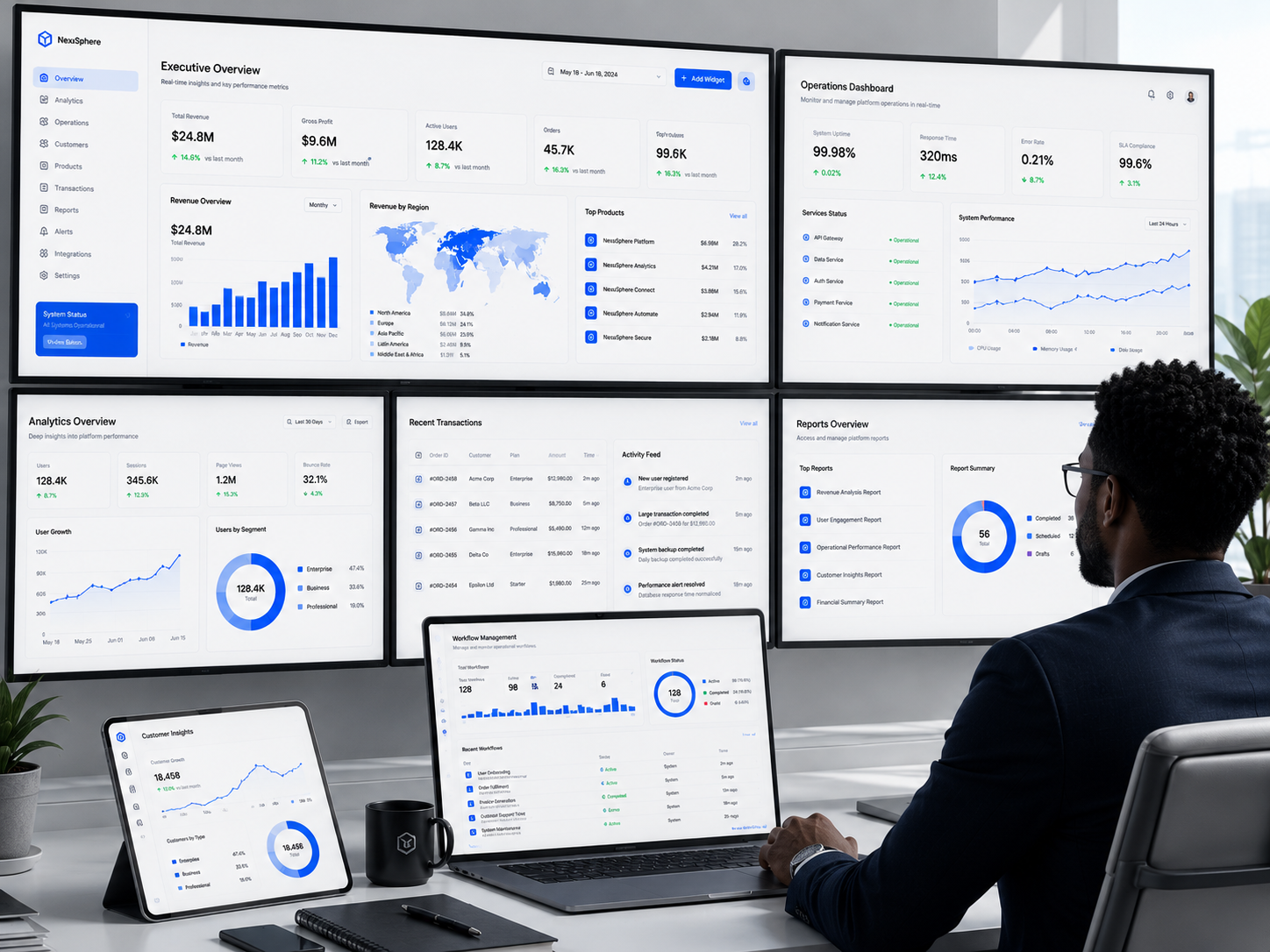
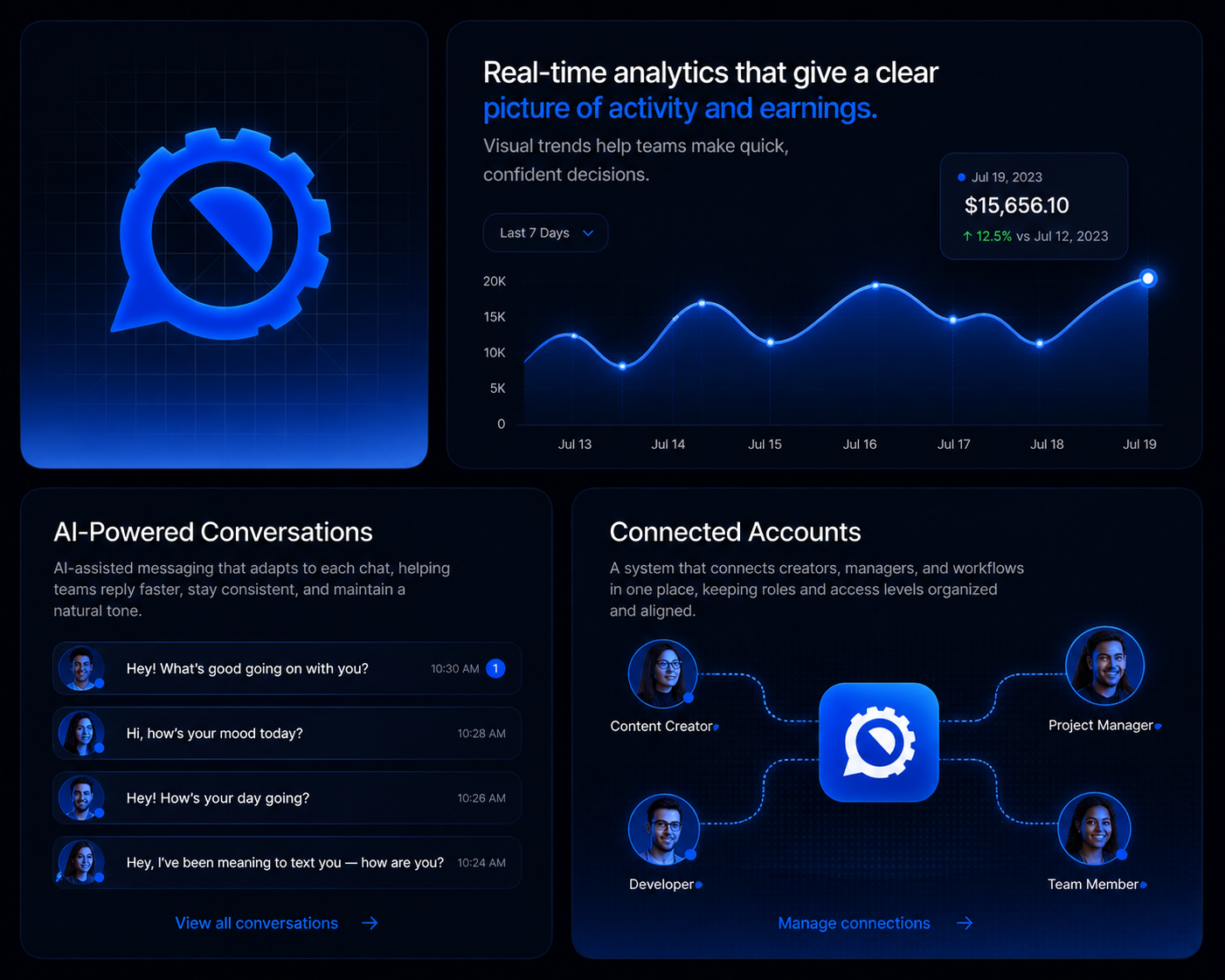
After dashboard UI/UX showing a clean intuitive operational interface
After

Clear, Efficient, and Giving Your Team Full Control

  • Critical data surfaced with visual hierarchy
  • Frequent actions accessible in one click
  • Interface designed around user tasks and workflows
  • Trends visible and alerts proactive

Instant Comprehension

Your team understands the state of the business at a glance because data is presented with clear visual priority.

Operational Efficiency

Frequent tasks are optimized for speed. What took minutes now takes seconds.

Reduced Errors

Clear interfaces with proper confirmation flows prevent the mistakes that happen when users are confused.

Proactive Management

Alerts, trends, and visualizations surface problems before they escalate, not after.

Deliverables

What You Actually Get

Complete dashboard and admin interface design with every screen, data visualization, workflow, and operational tool your team needs.

01

Overview Dashboard Design

The command center screen that tells your team the state of the business at a glance.

02

Data Visualization System

Every chart and data display designed so trends and insights are immediately visible.

03

Management & Operations Screens

Every operational interface your team needs to manage the business day to day.

04

Workflow Optimization Design

Frequent tasks streamlined so your team works faster with fewer clicks and less frustration.

05

Alert & Notification Center

Your team sees what needs attention immediately, not after the problem has grown.

06

Reporting & Analytics Interfaces

Tools for generating insights and reports without needing a data analyst to interpret them.

07

Settings & Configuration Panels

Platform controls organized so your team finds what they need without hunting through menus.

08

Dashboard Design System

A component library that keeps your operational interfaces consistent as new features are added.

Our Approach

Dashboard UI/UX Process

A user-task-first design methodology that builds operational interfaces around what your team actually needs to accomplish, not what your database happens to store.

Phase 1, Operations Discovery

1 / 6

We study how your operations team actually works to understand their tasks, pain points, and the information they need to make decisions.

Stakeholder & User Interviews

Conversations with the people who use the dashboard daily to understand their roles, responsibilities, and frustrations with current tools.

Task Inventory & Frequency Mapping

Documenting every task the dashboard must support, how often each task is performed, and the current number of steps required.

Data Requirement Analysis

Identifying every data point, metric, and alert the team needs, organized by role, priority, and decision context.

Feature & Permission Scoping

Defining the complete feature set organized by user role with clear access levels and permission requirements.

Key Milestones

  • User interviews completed
  • Task inventory documented
  • Data requirements mapped
  • Feature scope approved

Phase 2, Information Architecture

2 / 6

We design the structural foundation of the dashboard organizing screens, navigation, and data so users find what they need intuitively.

Screen Hierarchy & Navigation Design

Organizing all dashboard screens into a logical navigation structure that matches how users think about their work.

Information Hierarchy Per Screen

Defining what information appears on each screen and in what order of visual priority based on user task importance.

Low-Fidelity Wireframes

Structural layouts for all core screens establishing content placement, data priority, and navigation logic before visual design.

Cross-Screen Workflow Mapping

Documenting how users move between screens to complete multi-step tasks and ensuring the navigation supports those journeys.

Key Milestones

  • Navigation structure approved
  • Information hierarchy defined per screen
  • Wireframes completed
  • Cross-screen workflows mapped

Phase 3, Data Visualization Design

3 / 6

We design how data is presented across the dashboard so trends are visible, comparisons are clear, and insights emerge without analysis effort.

Chart Type Selection & Design

Selecting the appropriate visualization for each data type and designing every chart for clarity, readability, and insight.

Table & List Design

Designing data tables with proper column hierarchy, sorting, filtering, pagination, and row actions for efficient data management.

KPI & Metric Card Design

Designing metric displays that show current values, trends, comparisons, and thresholds with clear visual status indicators.

Visual Language & Color System

Establishing the visual style for all data displays including color coding for status, trend direction, and alert severity.

Key Milestones

  • Chart types selected and designed
  • Table patterns established
  • KPI card designs approved
  • Visual language defined

Phase 4, Workflow & Screen Design

4 / 6

We design every screen and workflow at high fidelity optimizing for the speed, clarity, and efficiency your operations team needs.

High-Fidelity Screen Production

Designing every dashboard screen at high fidelity with all data displays, controls, and states fully realized.

Quick Action & Bulk Operation Design

Designing efficient interfaces for frequent tasks including inline editing, bulk selection, keyboard shortcuts, and quick action menus.

Advanced Search & Filter Design

Designing powerful search and filtering interfaces that help users find specific records, transactions, or users quickly.

All-State Design Coverage

Designing every state for every screen: empty, loading, error, no results, and confirmation states across all dashboard interfaces.

Key Milestones

  • All screens designed in high fidelity
  • Quick actions and bulk operations optimized
  • Search and filter interfaces completed
  • All states designed and documented

Phase 5, Usability Validation

5 / 6

We test the dashboard designs with real users to validate that the interfaces support their tasks efficiently and identify any friction before development.

Interactive Prototype Creation

Building a clickable prototype of the dashboard that simulates real workflows for testing with operations team members.

Task-Based Usability Testing

Testing with actual dashboard users performing their real tasks to measure efficiency and identify confusion points.

Efficiency Measurement

Comparing task completion times and click counts against the current system or baselines to quantify the improvement.

Design Refinement

Adjusting screens and workflows based on validated user feedback to resolve any remaining friction before development.

Key Milestones

  • Interactive prototype completed
  • Usability testing conducted
  • Efficiency metrics documented
  • Design refinements applied

Phase 6, Design System & Handoff

6 / 6

We deliver the complete dashboard design with a reusable component library and full developer specifications for efficient implementation.

Dashboard Component Library

Complete set of reusable dashboard components including charts, tables, forms, filters, and navigation elements with usage documentation.

Developer Specifications

Detailed specifications for every screen including measurements, data display rules, interaction behavior, and responsive adaptations.

Developer Walkthrough Sessions

Comprehensive sessions with your engineering team covering the dashboard architecture, component library, and implementation approach.

Implementation Support

Design support throughout development including design QA, implementation reviews, and guidance to ensure the built dashboard matches the design intent.

Key Milestones

  • Component library delivered
  • Developer specifications completed
  • Developer walkthroughs conducted
  • Implementation support active

Featured Projects

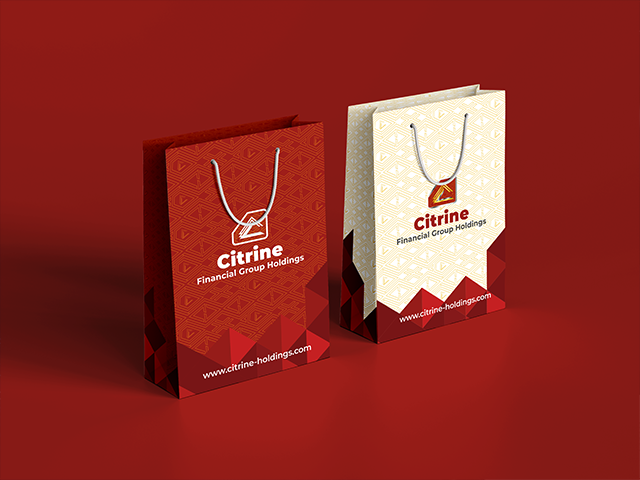
Workdone: A unified brand and digital foundation for a multi-subsidiary Pan-African financial group building institutional credibility across emerging African markets.

Workdone: A complete brand and business foundation preparing a cleaning startup for market entry and investment readiness.

Frequently Asked Questions

No questions found

Try adjusting your search term.

Ready to Empower Your Team?

Give Your Operations Team the Tools They Deserve, Not the Tools They Tolerate

Your team runs your business from behind these screens. Design dashboards that surface what matters, streamline what is frequent, and make operational control feel effortless. Stop forcing your team to fight their tools and start giving them interfaces that make their work faster, clearer, and better.

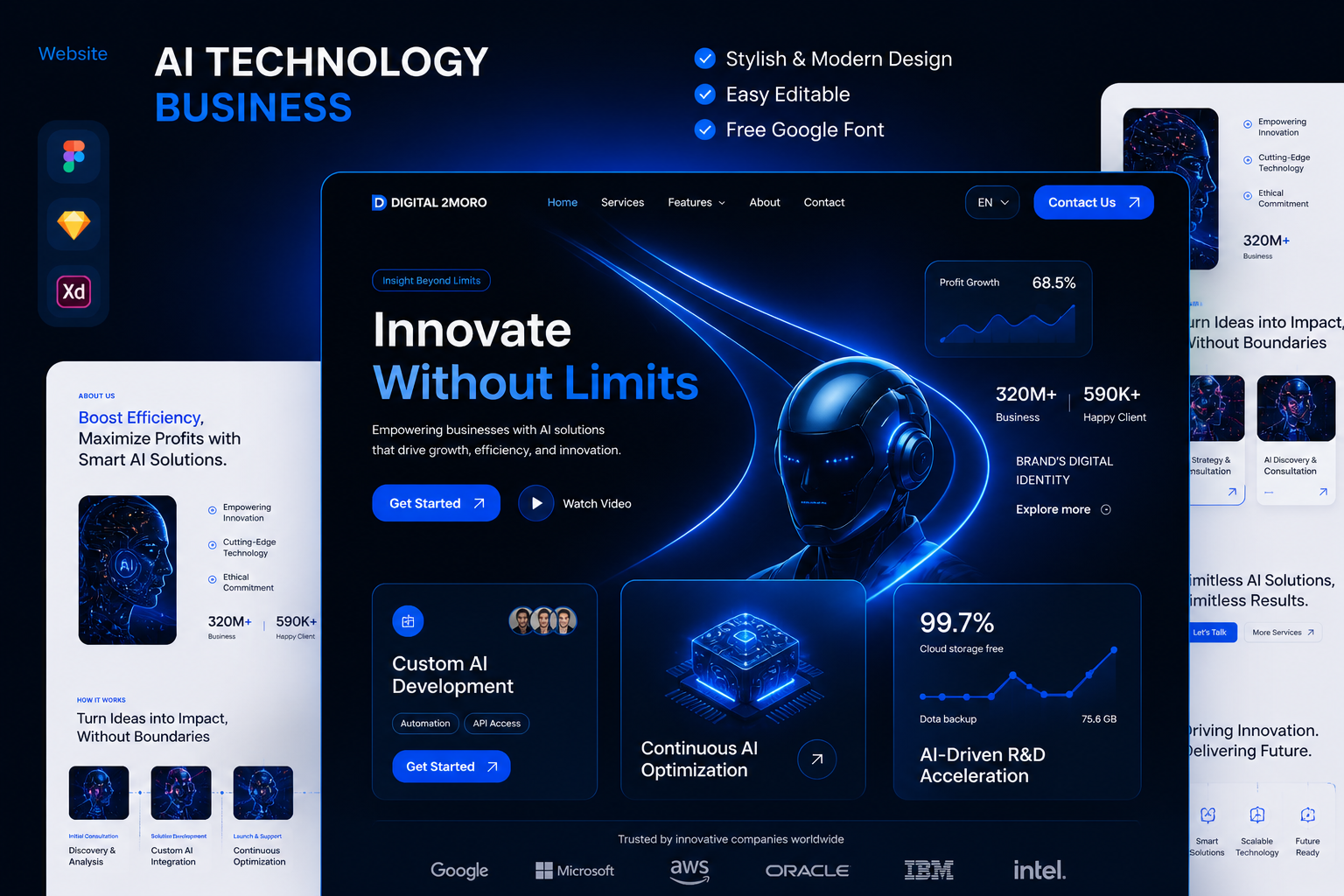
Dashboard UI/UX admin panel and data visualization interface design preview
Logo